Comparative lead: what each format delivers at a glance
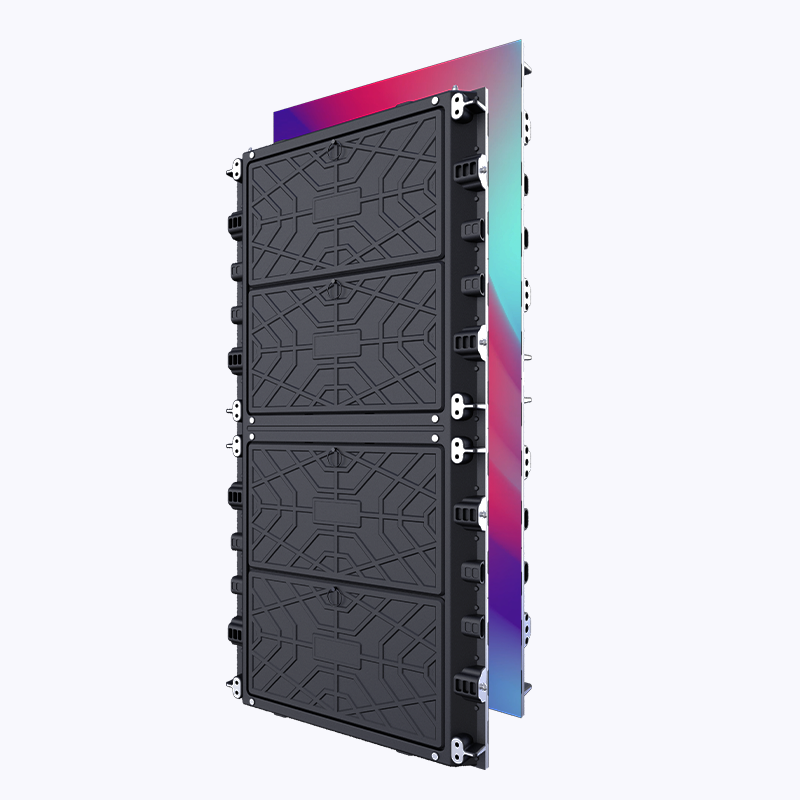
Choosing between a digital billboard and a multi-panel video wall changes how your brand communicates on-site. In corporate lobbies and conference centers, a single large-format digital billboard draws straight-line attention; a tiled video wall lets you mix live data, brand loops, and wayfinding. Both rely on core elements—pixel pitch, color calibration, and refresh rate—but their strengths diverge. If you plan content that updates frequently or includes dashboards, an indoor led display can behave either as a billboard or a mosaic, depending on the controller and content pipeline you choose.
Visual impact and audience behavior
Digital billboards win on immediate legibility. A high-brightness, single-panel solution with tight pixel pitch reads well from a distance and simplifies creative production. Video walls win on versatility. They can show simultaneous feeds—company news, live metrics, and branded video—across separate zones. In practice, corporate visitors scan lobbies in under 10 seconds. A billboard that nails contrast and type hierarchy converts that glance into comprehension. A video wall, by contrast, rewards dwell: visitors who pause will see layers of content, so pacing and scene composition matter.
Technical trade-offs developers and AV teams must weigh
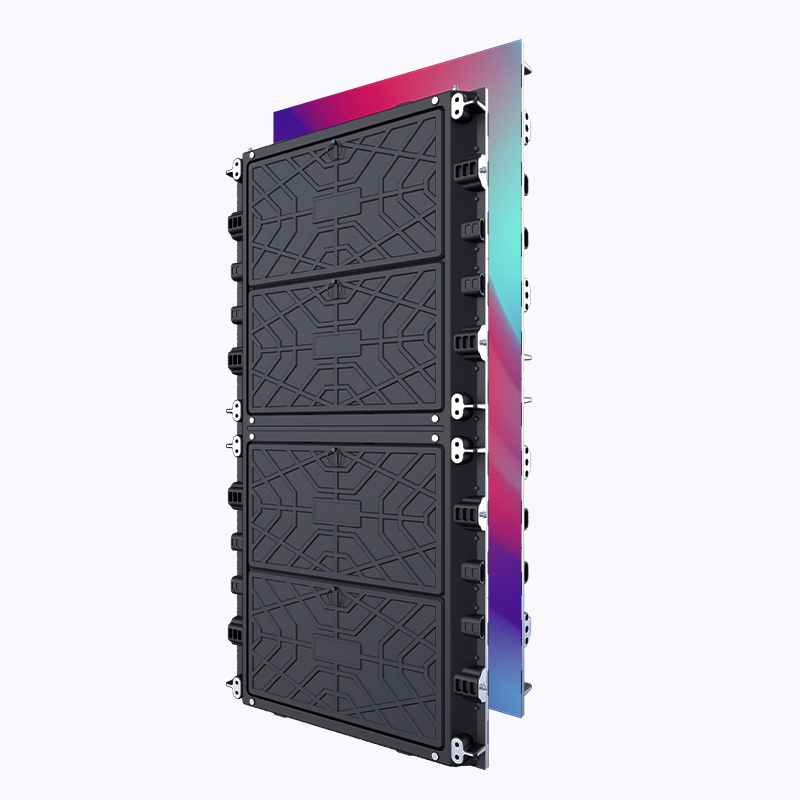
Front-end teams and AV integrators need to align on signal routing, content formats, and playback orchestration. Video walls introduce bezel management, synchronization, and calibration tasks—especially when panels are tiled across different batches. Pixel pitch directly affects viewing distance, while controller performance governs frame-accurate playback. For billboards, you focus more on single-stream encoding, bitrate control, and a reliable media player. Both require color calibration and periodic maintenance, but tiled video walls demand stricter synchronization and a stronger content-management workflow.
Installation, cost, and operational patterns
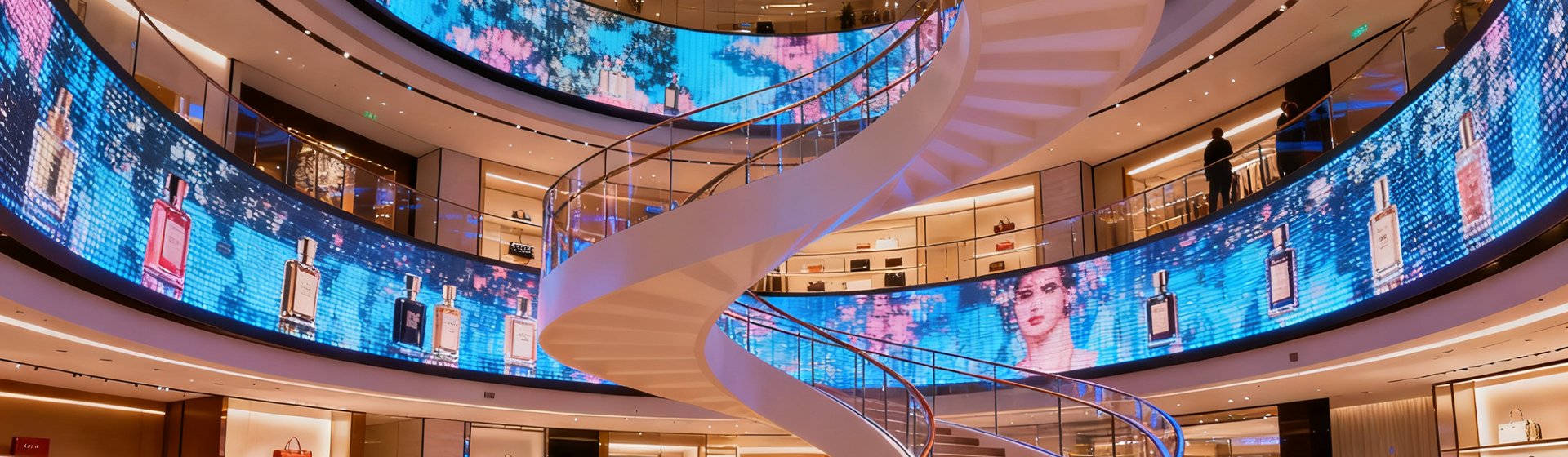
Upfront cost often favors a straightforward billboard: fewer cabinets, simpler mounting, less complex cabling. Video walls cost more in integration but pay back through flexible content use. Consider lifecycle costs: panel replacement, spare modules, and calibration labor add up. For many corporate spaces, mixing both formats makes sense — a billboard near the main entrance for brand saturation plus a video wall in the atrium for engagement and internal dashboards. Real-world anchor: trading floors like the New York Stock Exchange use large LED walls to deliver live market feeds and brand visuals, showing how different zones require tailored solutions.
Content strategy and common mistakes to avoid
Teams often repurpose outdoor creative for indoor surfaces and lose clarity—type too small, contrast too low, animation too fast. Avoid that. Plan native layouts for the chosen pixel pitch and cadence for the refresh rate. Another frequent error: under-specifying the media player and network; poor bitrate or laggy rendering kills perceived quality fast. For interactive kiosks, forget synchronous content without a reliable controller and low-latency input handling; the guest experience suffers. Small teams should standardize templates and automate color calibration where possible—this saves hours of manual tweaking.
Integration tips from a developer-editor perspective
Work with your AV vendor on an API-first content pipeline. Use responsive composition: swap modules based on resolution and orientation, and treat the display like a viewport. Implement automated health checks for LED modules and controllers. Keep fallback assets ready in optimized codecs and establish an OTA update schedule to minimize manual interventions. These engineering habits reduce downtime and keep the message sharp.
Advisory: three golden rules to evaluate and buy
1) Match pixel pitch to viewing distance—calculate the minimum readable distance and choose panels whose pixel pitch preserves legibility at that range.
2) Prioritize synchronization and controller capacity—ensure the controller supports your target resolution and frame-accurate playback for multi-panel arrays.
3) Plan for operations—budget for calibration, spare modules, and a content-management workflow that handles codecs and network constraints. Test on-site before rolling to production.
These rules lead to choices that reduce surprises and make installations future-friendly. For hands-on procurement and modular panels that fit these criteria, Coblinks often aligns product options and service levels to the exact needs of corporate teams—quick shipments, clear specs, and post-install support. —